Run the whole
shootvideocampaignday
from your phone
Mood board, shot list, call sheet — and the schedule, gear, locations and budget behind them. On the screen everyone already has in their hand.
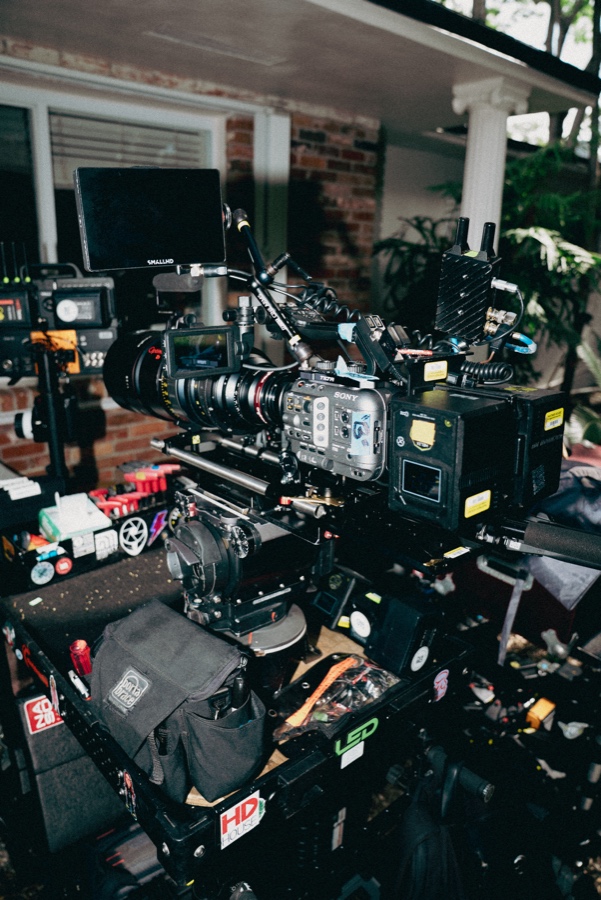
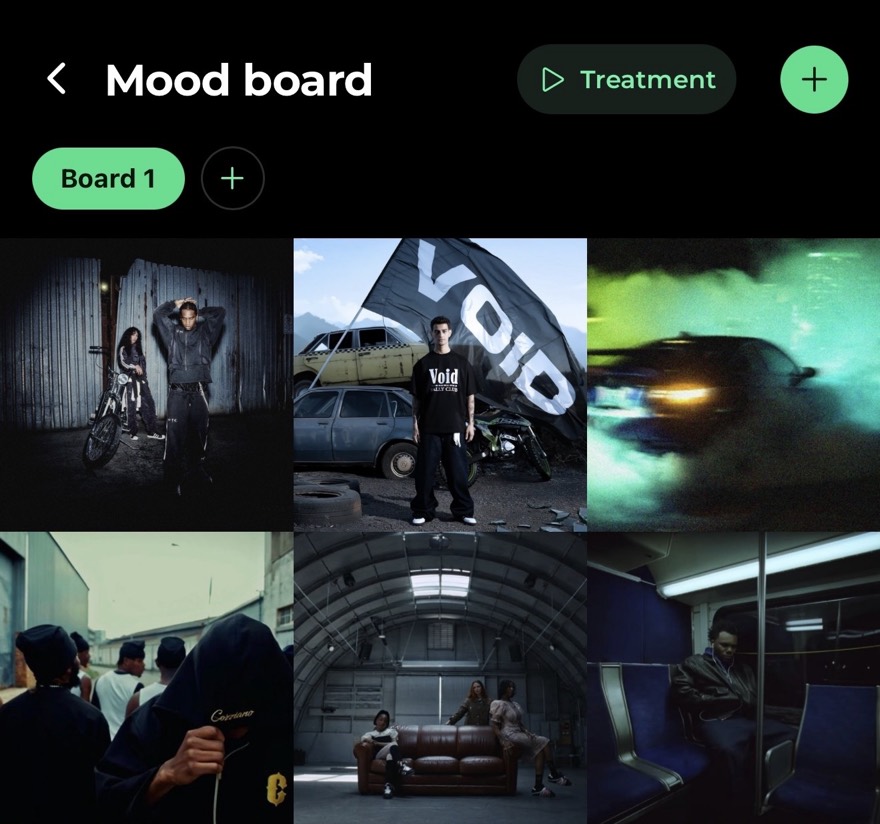
The three screens your crew actually opens
Everything else is prep. These are the ones people pull up between takes. Big enough to read at arm's length, fast enough to check while the camera resets.
Pull frames straight from the mood board onto your shot list. Group shots into scenes. Tick them off as you get them.
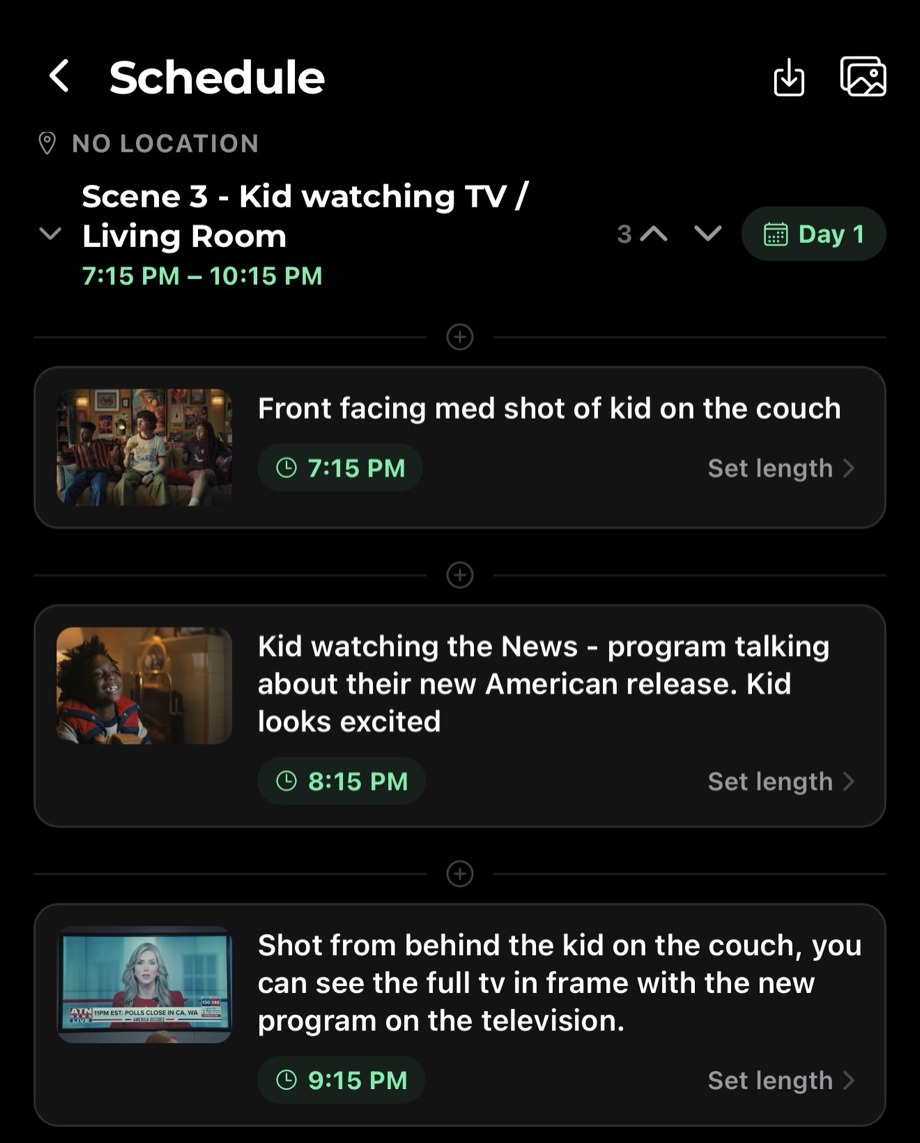
The day retimes itself
Give each shot a length. Cinefolder cascades the whole day from your shooting call — every scene, every break, every start time.
Then the day changes, because it always does. Drop a shot, reorder a scene, push the call an hour. Everything downstream recomputes, and you get a warning the moment the day runs past your hard out.
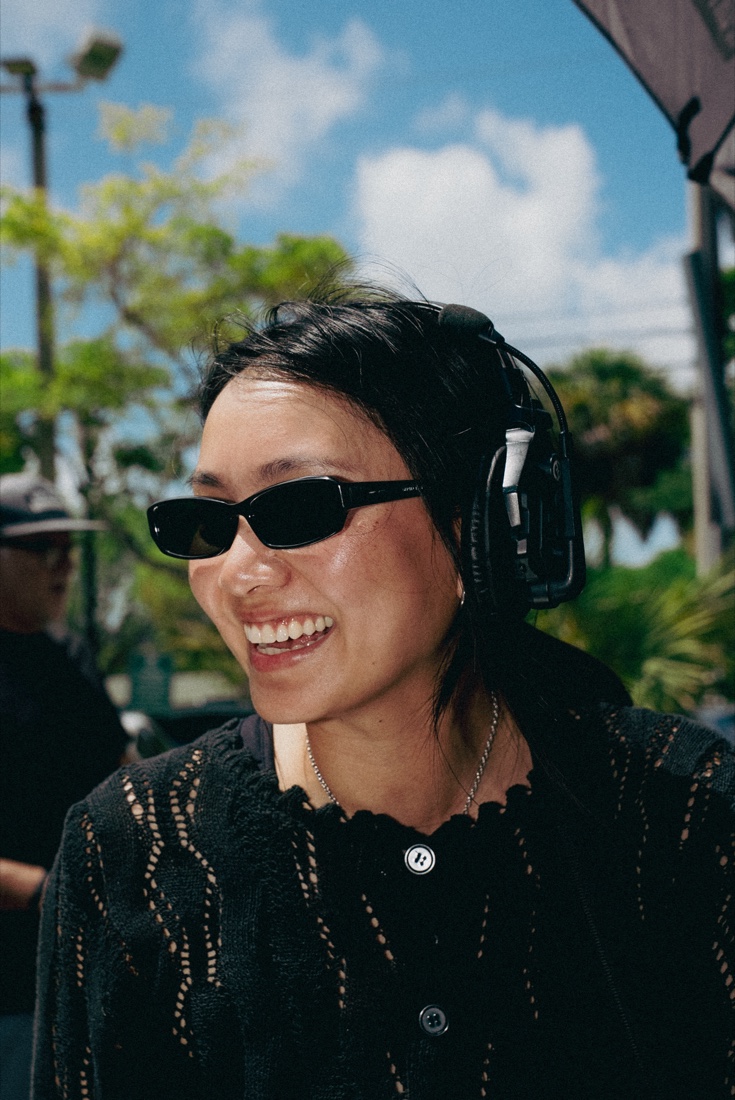
Built for the people actually on set
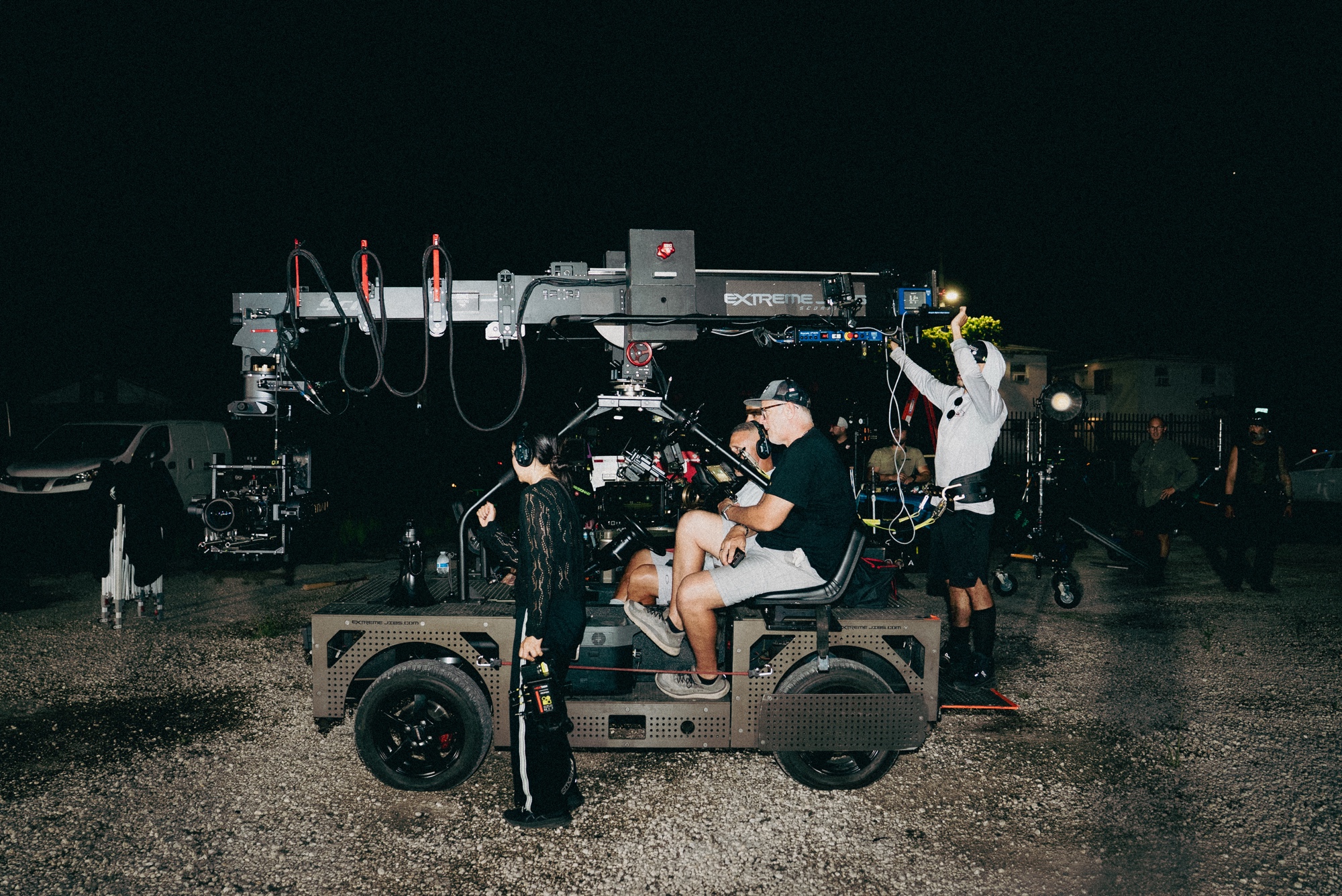
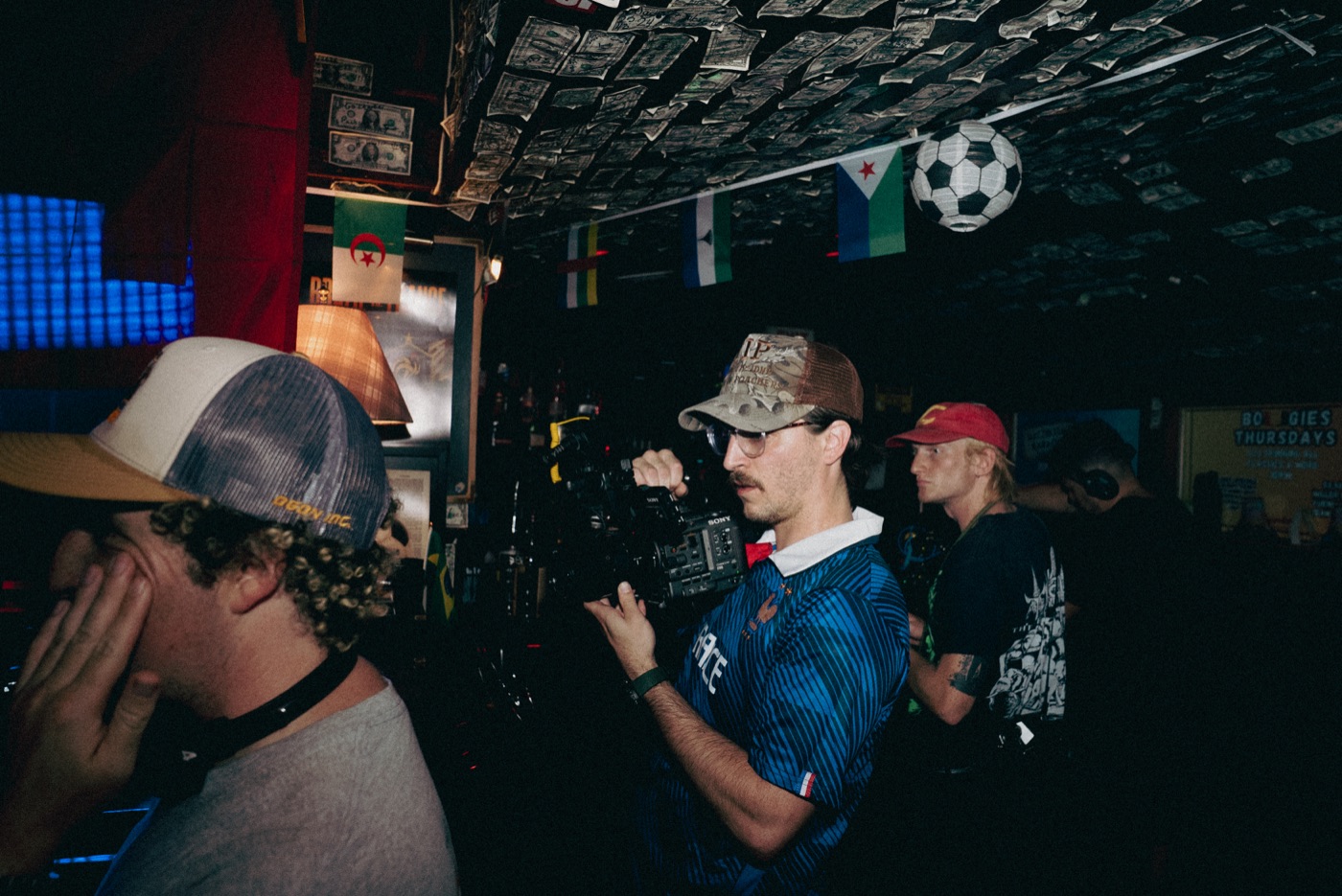
Not producers in an office. The ones holding the camera, pulling focus and running the day — on the screen they already have in their hand.
Every spot you've ever scouted
Save a location once — photos, address, notes, parking — and it's yours forever. Search by address, drop a pin, get directions in one tap.
The place you shot two years ago is still there when the next job needs it.
Your crew never sees the money
Track every line like a real finance app — camera, location, day rates, the target you're working to.
Nobody you invite can see a single number. Not hidden in the interface — blocked at the database, so it stays true no matter who you add or what they tap.
Gear, from kit to call sheet
A catalog of 300+ real cameras, lenses, lights and grip. Build your kit once and drop the whole thing into any project in one tap.
Already have a list on paper? Drop in a PDF and Cinefolder reads it — pulling out the gear, crew, locations, shots and budget lines, for you to approve before anything is added.
Every shoot makes you easier to hire
Add someone once and they keep their own profile — positions, gear, rates, links, the work they've done. Share yours with a QR code and anyone on set saves you in one tap.
Then staff the next job from people you've actually worked with. Filter by position, skill, gear or city — and see how many shoots you've done together.
Shooting by tomorrow
Start the project
Name it, set the shoot days, pull in references. Done in a couple of minutes.
Build the day
Mood board into shot list, shots into scenes, scenes into a schedule that times itself.
Send the call sheet
Everyone gets a link that just opens. You see who's read it. The budget stays yours.
And the rest of the paperwork
Documents
Scripts, treatments, releases and permits, filed with the job they belong to.
Tasks
Prep that doesn't live in your head. Assign it, approve it, close it out.
Calendar
Every shoot day across every project, in one view.
Duplicate a project
Same client, new spot? Copy the whole build — crew, gear, locations, boards — in one tap.
Roles that hold
Owners, editors, viewers. Everyone sees exactly what they should and nothing else.
Multi-day shoots
Assign scenes to days, give each day its own call sheet and call time.
Your next shoot starts tonight
Free to start. No card, no demo call, no sales rep.